
Explore Real Workflows Built for Practical Use Cases
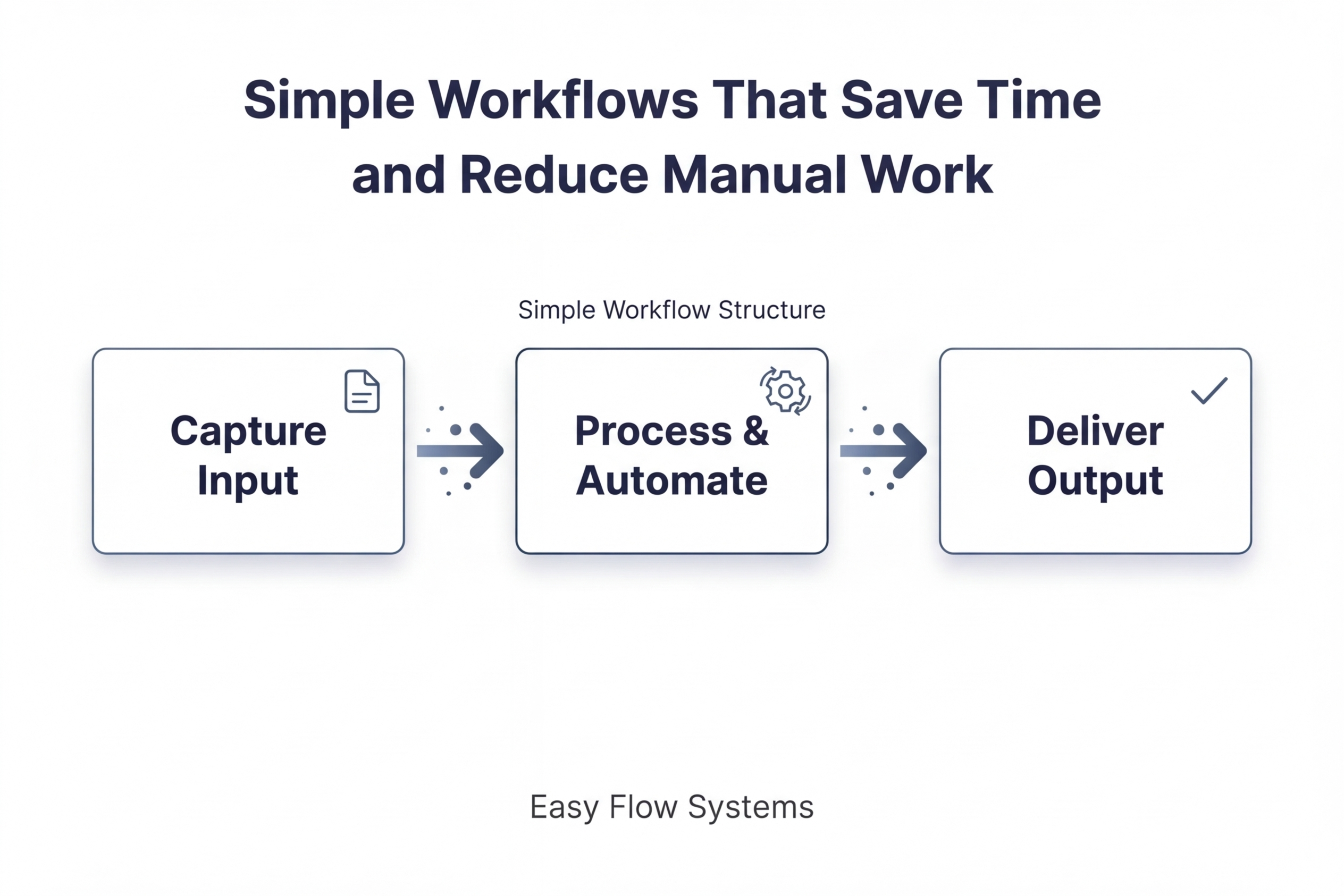
Explore practical workflows built around real use cases.
Each workflow shows how tools and systems work together to simplify execution without unnecessary complexity.
What You’ll Find Here
This page brings together practical workflows designed to improve how work gets done. Each one is built around a real business use case and shows how tools function inside a working system.
built around practical use cases
designed to reduce manual work
simple to understand and easy to implement
Explore Workflows
Each workflow is built around a real use case and shows how to reduce manual work, save time, and improve efficiency using simple, practical systems.
Turn 1 Idea Into Multiple Pieces of Content
Use case:
Create more output from a single idea without rebuilding the process each time.
What this workflow covers:
Content creation, repurposing, and structured output using simple tools and repeatable steps.
Capture Leads and Follow Up Automatically
Use case:
Reduce missed opportunities by connecting lead capture, follow-up, and next-step actions.
What this workflow covers:
Lead intake, response timing, automation, and moving contacts into a structured workflow.
Automate Scheduling, Confirmations, and Reminders
Use case:
Simplify booking and reduce manual coordination across appointments and follow-up communication.
What this workflow covers:
Scheduling, confirmations, reminders, and keeping the process organized from start to finish.

How These Workflows Are Structured
Each workflow is built around a practical use case first. Tools are then selected based on the role they play inside the system, not as standalone recommendations.
Use 3 simple steps:
1. Start with the problem
What repetitive or disconnected process needs to be improved?
2. Build the workflow
Map the steps needed to reduce manual work and improve consistency.
3. Match the right tools
Choose tools based on function, simplicity, and fit within the workflow.
Tools Used Across These Workflows
Different workflows may use different combinations of tools depending on the use case, level of complexity, and how the system needs to operate in practice.
Content Creation
Create and manage content efficiently
Voice & Audio Tools
Convert and enhance content with audio
Data Collection & Research
Gather and structure information
Automation & Integration
Connect tools and reduce manual work
Scheduling & Booking
Manage time, bookings, and coordination
CRM & All-in-One Systems
Track and manage workflows and data
Frequently Asked Questions
1. Are these workflows difficult to implement?
No. They are designed to be simple, practical, and easy to implement.
2. Do I need the exact same tools shown in each workflow?
No. The workflow matters more than the specific tool. Different tools can often perform the same function.
3. Are these workflows based on real use cases?
Yes. They are built around practical applications, not theoretical setups.
4. Do I need technical experience to use these workflows?
No. The focus is on clarity, usability, and reducing unnecessary complexity.
Pick a Workflow and Start Simplifying Your Process
Explore
Legal
© Easy Flow Systems
Easy Flow Systems publishes practical workflows built from real-world use of tools.
Tools are referenced based on their role within workflows — not as standalone recommendations.
This site may contain affiliate links. We may earn a commission at no additional cost to you.
Powered by VAMO Digital Inc.